 Feedback Bubble
Published 4 August 2026 · By Jonathan Jones
Customer Feedback Categories: Bugs, Ideas, Questions, and More
Learn how to categorise customer feedback into bugs, ideas, and questions so you can act on what matters and ignore the noise. A practical guide for indie SaaS founders.
Sorting customer feedback into clear categories is one of the most practical things you can do as an indie founder. When every message lands in the same pile, it is hard to decide what needs fixing today, what belongs on a future roadmap, and what simply needs a reply. Separating bugs, feature ideas, and questions gives you a working system that scales even when you are managing everything on your own.
Why feedback categories matter for small product teams
Most indie SaaS products receive a mix of very different messages. A user might report that a button does not work, another might ask how to export their data, and a third might suggest a new pricing tier. These three messages require completely different responses and different parts of your attention.
Without categories, you tend to treat everything as equally urgent or equally deferrable. That means bugs sit alongside wishlist features, and genuine support questions get lost in a pile of enhancement ideas. Categories force a basic distinction that saves time and reduces the risk of ignoring something that actually breaks your product.
For a solo developer or a two-person team, the overhead of a complex tagging system is rarely worth it. Three well-chosen categories cover most of what arrives through a typical feedback channel.
The three core feedback categories
Most customer feedback falls into one of three types. Understanding what belongs in each category helps you set up a feedback form that visitors use correctly and a workflow you can actually follow.
Issues: bugs and broken behaviour
An issue is anything that does not work as expected. That includes outright errors, confusing behaviour, layout problems, features that produce the wrong output, and anything that blocks a user from completing a task. Issues are usually the most time-sensitive category because they directly affect whether your product delivers on its promise.
When a user reports an issue, the most useful response is to understand exactly what happened and where. Page context, browser, and device details help enormously here. A bug that only affects mobile Safari on iOS is a different problem from one that appears on all browsers, and knowing that upfront saves several back-and-forth messages.
Ideas: feature requests and suggestions
An idea is a request to add something new or change how something works. Feature requests, workflow improvements, integration suggestions, and interface preferences all belong here. Ideas are important signal but rarely require an immediate response in the same way that bugs do.
One thing worth accepting early: most ideas will not become features. That is not a failure of your process. It means you are applying judgement. A single request for a niche export format is worth noting, but it does not automatically belong in your next sprint. Several users independently asking for the same thing is a stronger signal that the problem is worth solving.
Questions: requests for help or clarification
A question means the user did not find an answer in your interface, documentation, or marketing copy. Questions are easy to dismiss as support overhead, but they are actually useful product evidence. A pattern of the same question appearing repeatedly often points to a missing help article, an unclear interface label, or a feature that needs a short explanation inline.
Questions also tend to arrive from users who are motivated enough to ask rather than just leave. That makes them worth reading carefully even when the individual query seems routine.
What to do with feedback once it is categorised
Having three categories only helps if you have a process that follows them. Here is a straightforward approach that works for a solo founder or a small team.
Triage issues first
When you open your feedback inbox, look at reported issues before anything else. Decide whether each one is something you can reproduce, something you need more information to understand, or something that is already known and queued. Issues that block core functionality or affect many users deserve the fastest response.
Group ideas before acting on them
Resist the urge to build immediately after reading a single interesting idea. Save the message and keep collecting. After a few weeks, look for patterns. If six separate users have each described a version of the same problem, that is a much stronger reason to build than one enthusiastic request.
When you do decide to act on a cluster of related requests, you are building for a real pattern rather than for the loudest voice in your inbox.
Turn recurring questions into product improvements
Review your question category once a month and look for repetition. If the same question appears three or more times, it is worth asking whether the answer belongs somewhere in the product itself rather than in a support reply you write from scratch each time.
That might mean adding a tooltip, rewriting an onboarding step, adding a short FAQ entry, or making a label clearer. Small interface changes driven by real questions often reduce support load more reliably than elaborate documentation.
Additional categories worth considering
Three categories cover the majority of feedback, but some teams find it useful to track a few additional types depending on what they are building.
Praise and compliments.
These rarely need action but can be genuinely useful when you are deciding which parts of your product to protect during a redesign. Knowing what users love is as useful as knowing what frustrates them.
Pricing and billing feedback.
Comments about price, plan limits, or perceived value often have commercial implications. Keeping these separate makes them easier to review when you are thinking about positioning or plan changes.
Performance and reliability concerns.
Some teams treat slowness or downtime reports as a separate category from functional bugs. Whether you separate them depends on how often they appear and how different your response process is.
Be careful about adding categories faster than your volume justifies. If you receive twenty messages a month, three categories are enough. Too many categories create friction for the visitor filling in the form and extra overhead for you when triaging.
How Feedback Bubble handles feedback categories
Feedback Bubble is built around the three core categories described above: Issue, Idea, and Question. A visitor opening the widget chooses one of these before writing their message. That single choice means every submission arrives in your inbox already sorted, without any manual tagging on your part.
You can enable or disable each type independently from the bubble editor. If your product is in early access and you are not ready to handle open-ended feature requests, you can disable Idea submissions entirely and focus on Issue and Question. At least one type must remain enabled.
In the inbox, you can filter by category to see only bugs, only ideas, or only questions. You can also filter by the specific website the feedback came from, which is useful if you manage more than one product in the same account.
Context that arrives with every submission
Each submission automatically records the page title, page path, and full URL where the feedback was submitted, along with browser name and version, operating system, device type, and viewport dimensions. This detail reduces the need for follow-up questions on issue reports in particular, because you can often see exactly where a problem occurred without asking.
That said, page context is a supplement to a clear message, not a replacement for it. A well-written issue report with solid context is far more useful than a vague one with perfect device data.
Connecting categorised feedback to planned product work
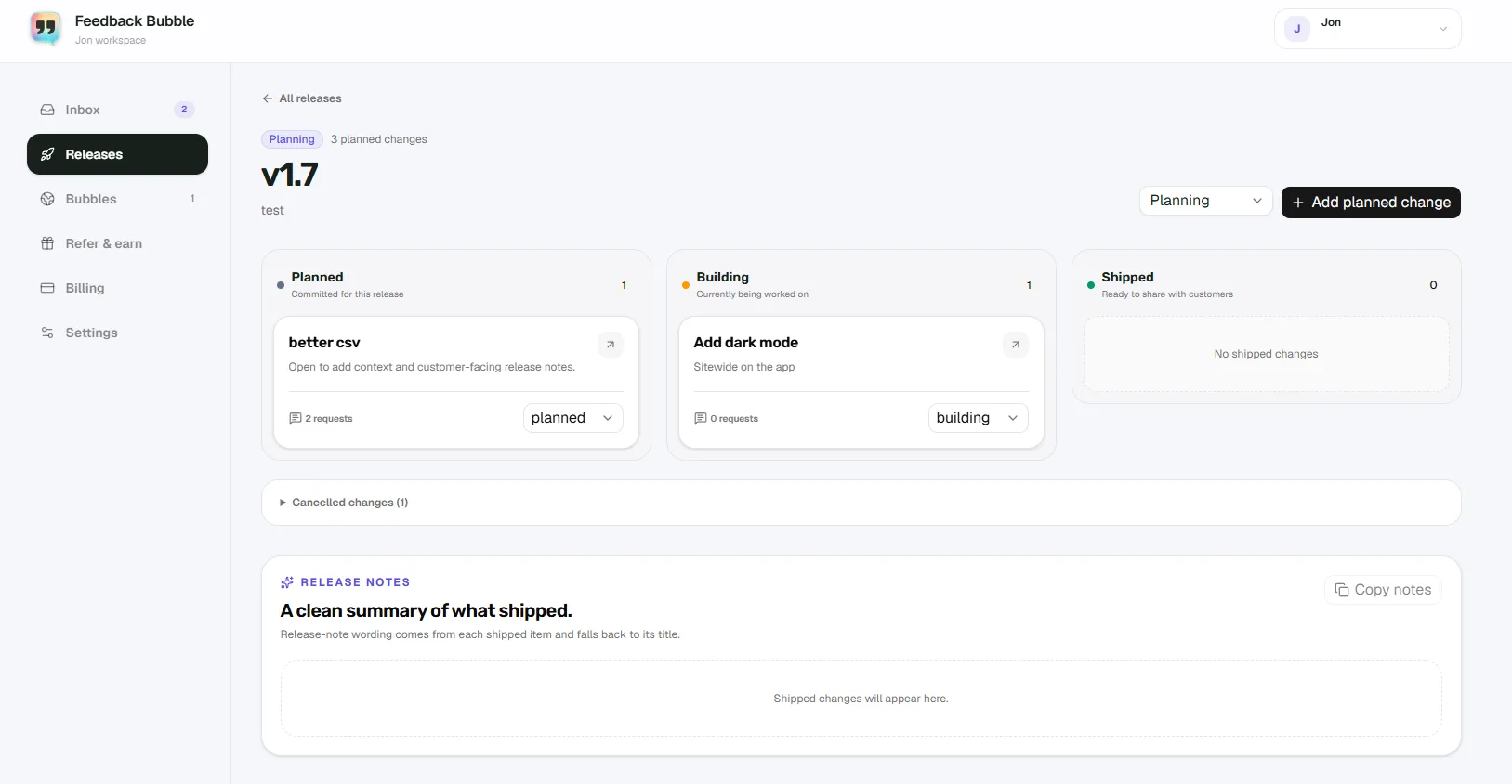
Once feedback is in your inbox under Needs review, you can save messages you want to return to, or connect them to planned product work using the Releases section. Several related Idea submissions can support a single planned change rather than each becoming a separate task. That keeps your product decisions at the outcome level rather than being driven mechanically by individual requests.
When a planned change is marked Shipped, you can close the loop by contacting any visitors who requested a reply and left their email address. That is a direct, low-effort way to follow up with the users who cared enough to ask for a specific improvement.
Common mistakes when categorising customer feedback
Treating every idea as a commitment
Receiving a feature request does not mean you have to build it. Acknowledging the idea, saving it for later, and reviewing it alongside other requests is a perfectly reasonable response. The value of a categorised inbox comes from spotting patterns across many messages, not from acting on each one individually.
Ignoring questions because they feel like support
Support questions are easier to dismiss than bug reports or feature requests because they feel transactional. But a string of similar questions is a signal that something in your product is unclear. Routing questions into a separate category makes it easier to notice that signal before it becomes a retention problem.
Using too many categories too early
A category system that is more complex than your feedback volume justifies creates busywork. If you are in the early stages of a product and receiving a handful of messages per week, three categories and a simple review process is enough. You can always add complexity later as patterns become clearer.
Not closing the loop
Users who submit feedback rarely hear back. That silence is a missed opportunity. When someone reports a bug you then fix, or suggests an idea you then build, a short follow-up message is one of the most effective ways to turn a passive user into an engaged one. Categorising feedback properly is partly about making those follow-ups easier to identify.
Putting it into practice
A practical feedback category system does not need to be elaborate. Three well-defined types, a consistent review habit, and a clear rule about when to act are enough to keep feedback useful rather than overwhelming.
The habit that matters most is reviewing your inbox regularly enough that nothing sits unseen for more than a few days. A bug reported on a Tuesday that you do not read until the following week is a user who has probably already churned or complained elsewhere.
Start with bugs, reply to questions, and group ideas until patterns emerge. That order reflects urgency and gives you a defensible reason for every product decision you make from feedback.
If you are looking for a lightweight way to collect categorised feedback directly from your website visitors, Feedback Bubble adds a floating widget that lets visitors choose between Issue, Idea, and Question before they write, so your inbox arrives pre-sorted from day one. You can explore the features or check the installation guide to see how quickly it fits into an existing site.
Frequently asked questions
How many feedback categories should a small SaaS product use?
Three categories cover most of what arrives: issues, ideas, and questions. Adding more is only worth it when your feedback volume is high enough that a finer distinction genuinely changes how you respond. Start with three and expand only if a real pattern demands it.
Should I build every feature that users request?
No. A feature request is evidence that a user encountered a problem or imagined an improvement. It is not a specification. Your job is to understand the underlying need, judge how many users share it, and decide whether it fits the direction of your product. Most requests should be noted and reviewed rather than built immediately.
What is the difference between a bug report and a question?
A bug report describes something that is broken or working differently from how the user expected. A question is a request for information about how something works. In practice they can overlap: a user who asks "why does this keep logging me out?" might be describing a bug or might simply not have found the session timeout setting. Either way, both types are worth reading carefully.
Can I use feedback categories to prioritise what to build next?
Categories help you organise and filter feedback, but prioritisation also depends on factors outside your inbox: how many users are affected, how much effort a fix requires, how well it fits your product direction, and what other evidence you have from interviews or usage patterns. Feedback categories are useful input into those decisions, not a substitute for making them.
Do visitors have to choose a category when they submit feedback?
In Feedback Bubble, choosing a type is the first step in the widget flow. A visitor selects Issue, Idea, or Question before writing their message. You can disable any category you do not want to accept, but at least one must remain enabled. The category choice is part of the form rather than an optional tag added later.