 Feedback Bubble
Low-friction reporting
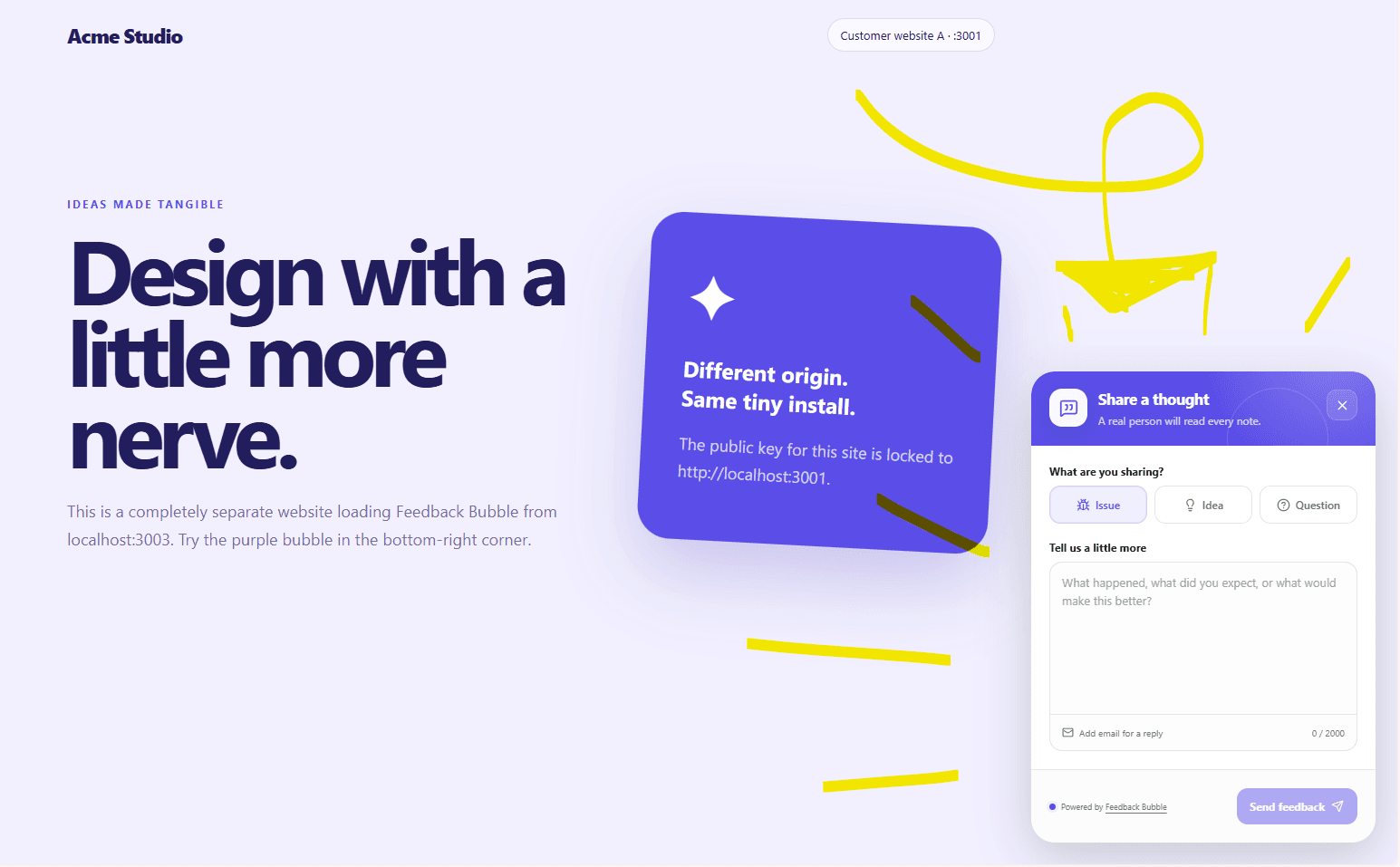
A visitor can open the floating button and send a focused message while the experience is still fresh.
Feedback button for websites
Let visitors report bugs, suggest ideas and ask questions without leaving the page, then review every message in one calm inbox.
Why it works
A short submission flow and useful automatic context make it easier for visitors to report something and for you to understand it.
A visitor can open the floating button and send a focused message while the experience is still fresh.
The page URL, title and path arrive with the message, along with useful technical context.
Keep feedback from up to five websites together without mixing their configuration or approved origins.
Setup
Each website keeps its own design and approved origin while every accepted message reaches the same private workspace.
Common questions
No. Visitors submit directly through the website widget. If reply requests are enabled, they can optionally leave an email address.
Feedback includes the page URL, title and path plus bounded browser, operating-system, device and viewport details. Feedback Bubble does not scrape page content or form values.
The Standard plan supports up to five separately configured feedback bubbles in one inbox.
Create your first feedback bubble, match it to your website and install it with one script.