 Feedback Bubble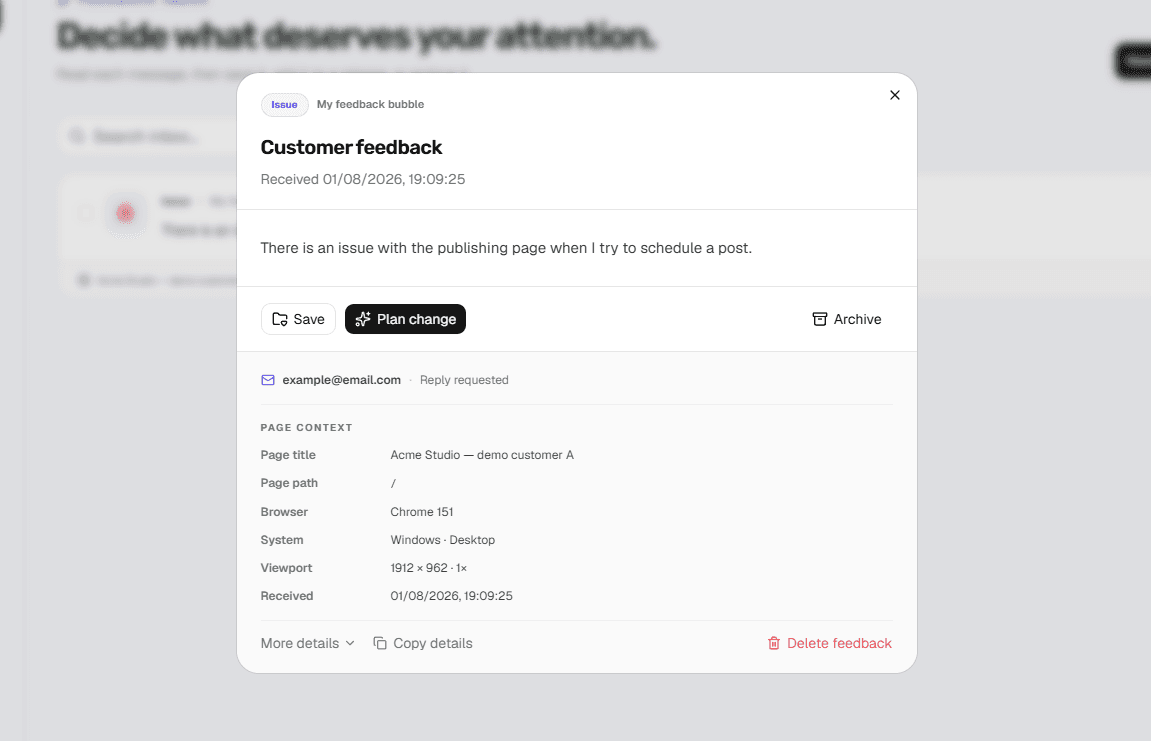
Screenshots are valuable, but requiring them adds friction and still may not explain what happened. For many small products, a clear message plus automatic page and environment context is enough to begin triage.
Ask for the observed result
Prompt the visitor to describe what they expected and what happened instead. Avoid asking for internal concepts such as severity or component ownership.
Attach context automatically
Store the current page, browser, operating system, device class and viewport at submission time. This removes repetitive questions without recording the visitor's session or page content.
Know when written reports are not enough
Visual layout problems, complex multi-step failures and agency review workflows often need screenshots, annotations, console logs or replay. Choose a visual QA product when those are routine rather than exceptional.
Continue reading