 Feedback Bubble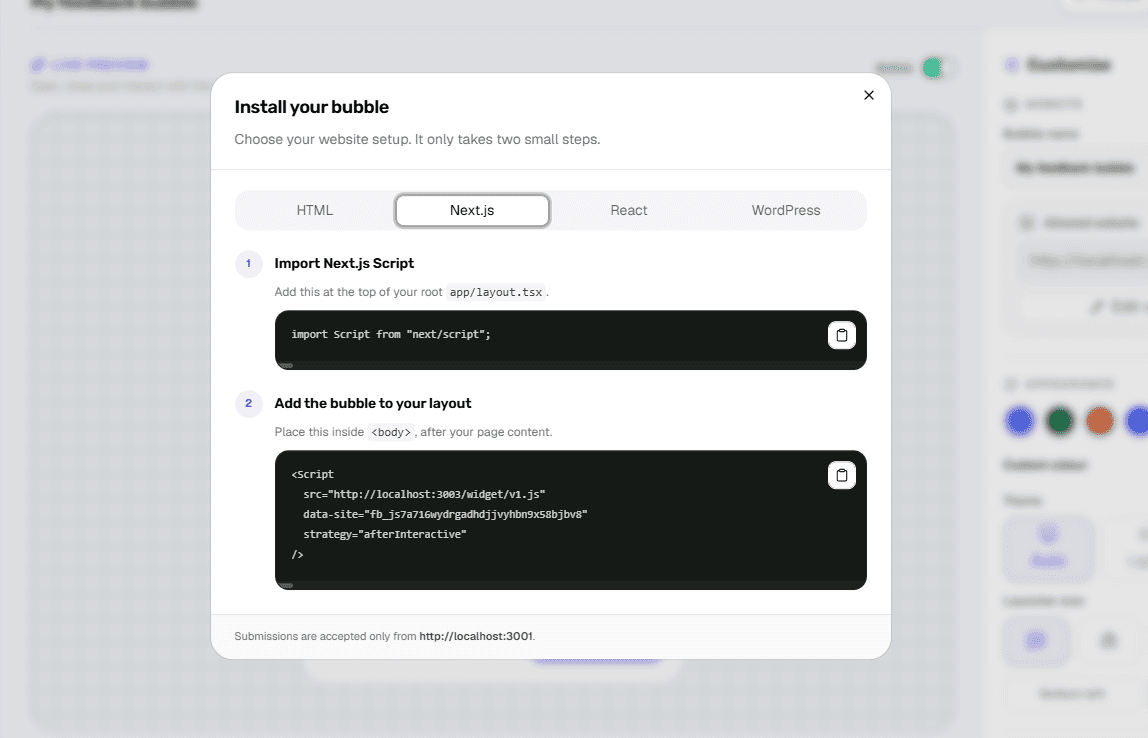
A feedback widget should be available across the application without becoming another piece of page-level state. In App Router projects, the root layout is the natural place for a site-wide loader.
Install once in the root layout
Use next/script after the application content so the widget becomes available across routes. Keep the generated site key on the Script element.
Use the deployed origin
Origin checks distinguish production, staging and local development. Approve the exact HTTPS origin used by visitors and treat other environments separately.
Test client-side navigation
Navigate between routes without a full refresh and submit from the destination page. Confirm the received feedback contains the current path rather than the initial route.
Continue reading