 Feedback Bubble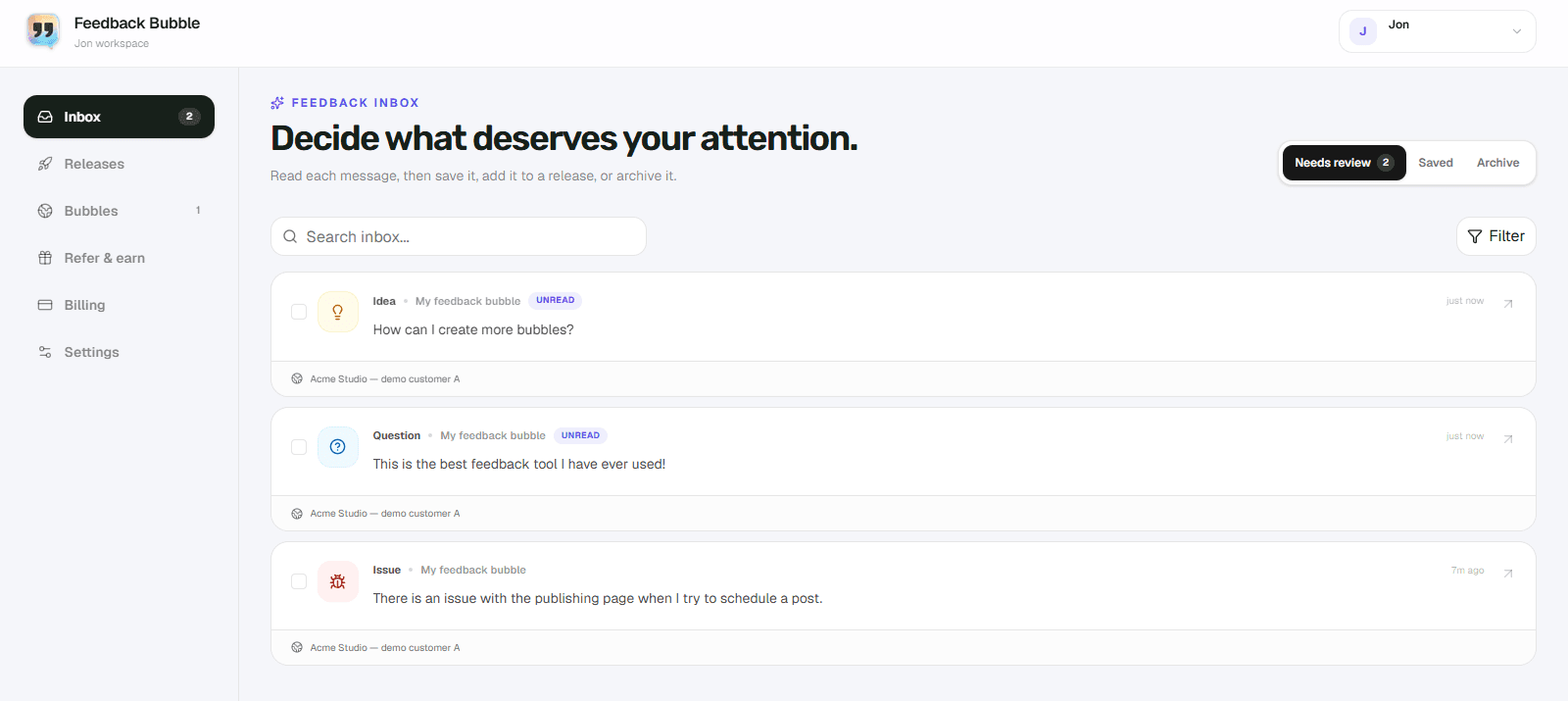
Founders often operate a marketing site, application and several smaller products. Combining their messages is useful only when every item still carries a clear source and each website keeps its own configuration.
Create a separate bubble for every origin
Each website should have its own public key, approved origin, visual style and feedback options. Do not reuse one configuration across unrelated sites.
Standardize the review states
A shared set of statuses makes it possible to review everything together even when the products differ.
- New for unread feedback
- Open for accepted work
- In progress for active investigation
- Resolved or Archived for completed items
Filter before making decisions
Use the combined inbox for awareness, then filter by website when planning work. This prevents a busy product from hiding patterns in a smaller one.
Continue reading