 Feedback Bubble
Published 27 September 2026 · By Jonathan Jones
What to Include in a SaaS Bug Report
A practical checklist for writing SaaS bug reports that help indie founders reproduce problems, investigate them and decide what to fix.
%22%2F%3E%0A%20%20%3Cellipse%20cx%3D%22780%22%20cy%3D%22190%22%20rx%3D%22610%22%20ry%3D%22205%22%20transform%3D%22rotate(-12%20780%20190)%22%20fill%3D%22%23ebd8ae%22%20fill-opacity%3D%220.58%22%20filter%3D%22url(%23softer)%22%2F%3E%0A%20%20%3Cellipse%20cx%3D%22300%22%20cy%3D%22535%22%20rx%3D%22560%22%20ry%3D%22185%22%20transform%3D%22rotate(-10%20300%20535)%22%20fill%3D%22%23faf1f0%22%20fill-opacity%3D%220.56%22%20filter%3D%22url(%23softer)%22%2F%3E%0A%20%20%3Cellipse%20cx%3D%221110%22%20cy%3D%22565%22%20rx%3D%22430%22%20ry%3D%22215%22%20transform%3D%22rotate(-18%201110%20565)%22%20fill%3D%22%23f0bde2%22%20fill-opacity%3D%220.34%22%20filter%3D%22url(%23soft)%22%2F%3E%0A%3C%2Fsvg%3E)
Write Better Bug Reports
A useful SaaS bug report says where the problem happened, what the customer expected, what happened instead and any steps they remember taking. Add page and device details when available, but keep the report easy to write. A visitor should not need to diagnose the bug for you.
A practical bug report checklist
For each report, look for these details. If a customer does not know or remember something, investigate with what they can provide rather than making the form longer.
Page or feature: Which page were they on? A link, page title or route such as `/settings/billing` is more useful than “the app”.
Expected result: What did they think would happen? For example, “I expected the new card to appear after I selected Save.”
Actual result: What happened instead? Include the visible error, unexpected change or missing response in the customer’s own words.
Steps they remember: What did they click or enter just before the issue? A short sequence is enough if they can recall it.
Frequency and impact, if known: Did it happen once or repeatedly? Did it block a task, or was there a workaround?
Example: turn a vague report into a useful starting point
Illustrative example: “Billing is broken” does not tell you what to inspect. A more useful report might be: “On Settings > Billing, I expected the updated card to appear after I selected Save. The page returned to the card form, and the old card was still shown. I tried twice.”
That version gives you a place to start and a possible reproduction path. It still does not prove what caused the problem. Check the relevant code and logs available to your team, then ask a focused follow-up if you need more detail.
Add context without asking visitors to fill in a technical form
Feedback Bubble lets a visitor send a plain-text Issue report from your website. The submission includes the page title, path and URL, plus available browser, operating-system, device and viewport details. That can help you narrow down where and in what environment a problem occurred, without asking the visitor to look up technical details. ([getfeedbackbubble.com](https://www.getfeedbackbubble.com/bug-report-widget))
These details are clues, not a reproduction. Page and browser context cannot tell you exactly what the customer clicked or what the application did. Ask for the missing steps when they matter, and avoid treating a device match as proof of a cause.
Know what the report does not capture
Keep submissions free of passwords, payment details and other sensitive information. A reply request can be enabled for visitors who want a response, but an email address is optional for an ordinary report.
A simple way to collect issue reports
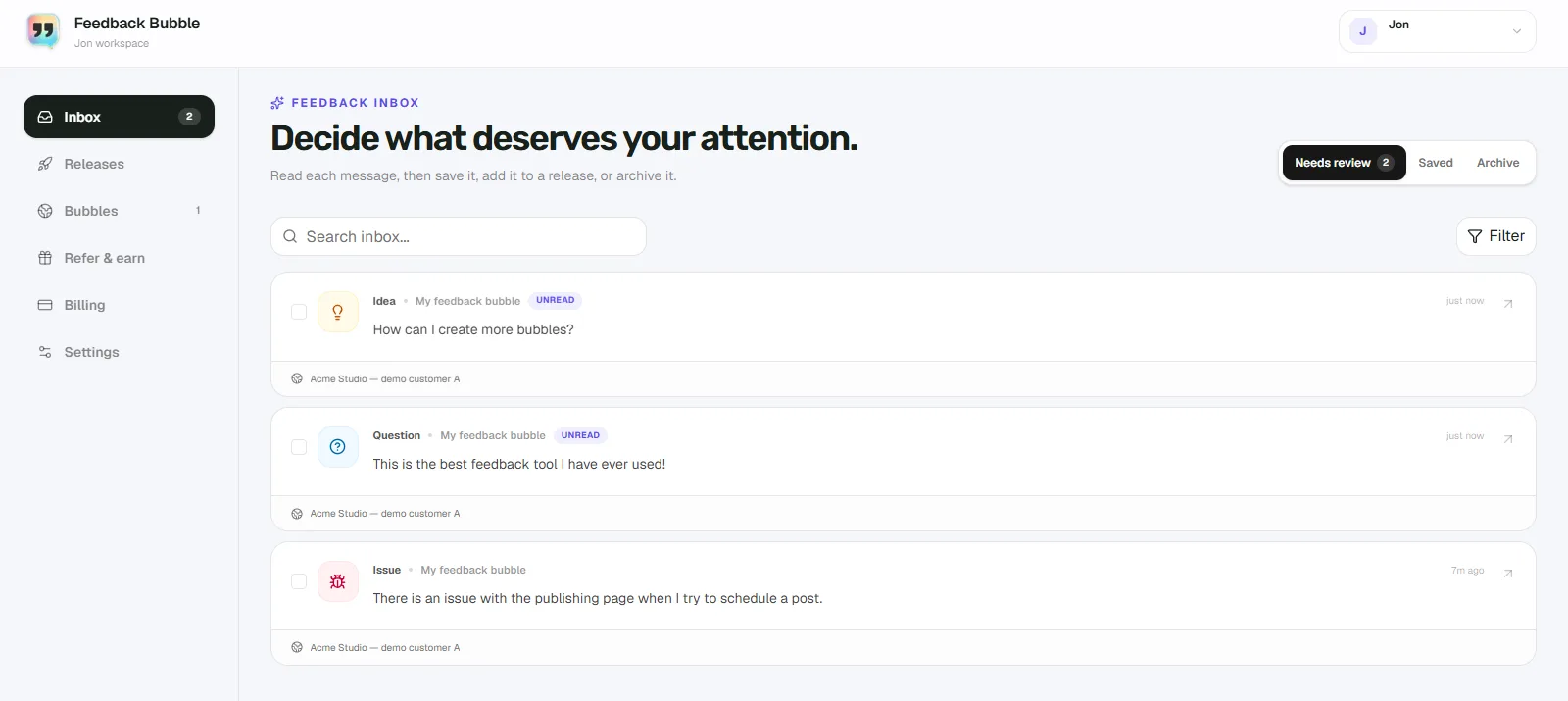
If customers currently send bug reports through scattered emails or messages, an on-page feedback widget can give them a direct route to report a problem where it happened. In Feedback Bubble, create a bubble, enable the Issue feedback type and install the generated script. New submissions appear in the inbox with their message and page context. The current product page describes the captured page and technical context and confirms that screenshots are not captured. ([getfeedbackbubble.com](https://www.getfeedbackbubble.com/bug-report-widget))
This suits teams that want simple written reports in one place. If your debugging depends on visual annotations, session playback or browser diagnostics, you will need a separate method for those.
Make the next report easier to act on
When a report arrives, first confirm the affected page and the difference between expected and actual behaviour. Try the remembered steps in a relevant environment. If something is still unclear, ask one specific follow-up rather than sending the customer a long checklist. A concise report with honest gaps is more useful than a detailed form full of guesses.
For more on setting up a simple collection workflow, read how to collect bug reports from users.