 Feedback Bubble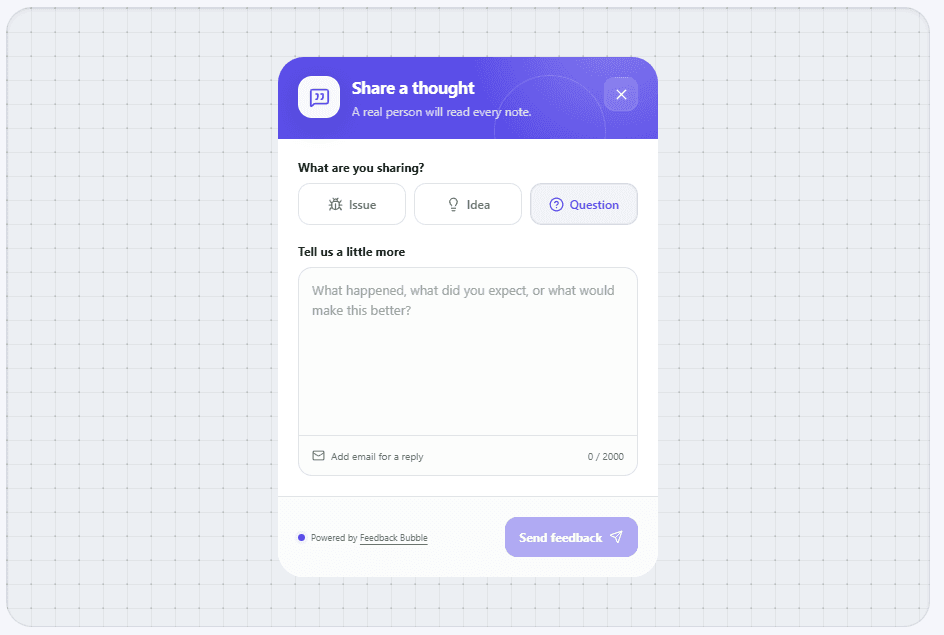
A website feedback button is an embedded control that lets a visitor share a message without leaving the page. It shortens the distance between noticing something and reporting it.
What it normally collects
The simplest buttons collect a category and written message. More complex products may add screenshots, recordings, ratings, surveys or public idea boards.
- Bug or issue reports
- Product ideas
- Questions or general comments
- Page and device context
How it differs from live chat
A feedback button is asynchronous. It creates an item to review rather than promising an immediate conversation with a support agent.
When it works best
It is particularly useful for products with active visitors but no need for a full support desk, behaviour analytics suite or public roadmap.
Continue reading